Dilinker
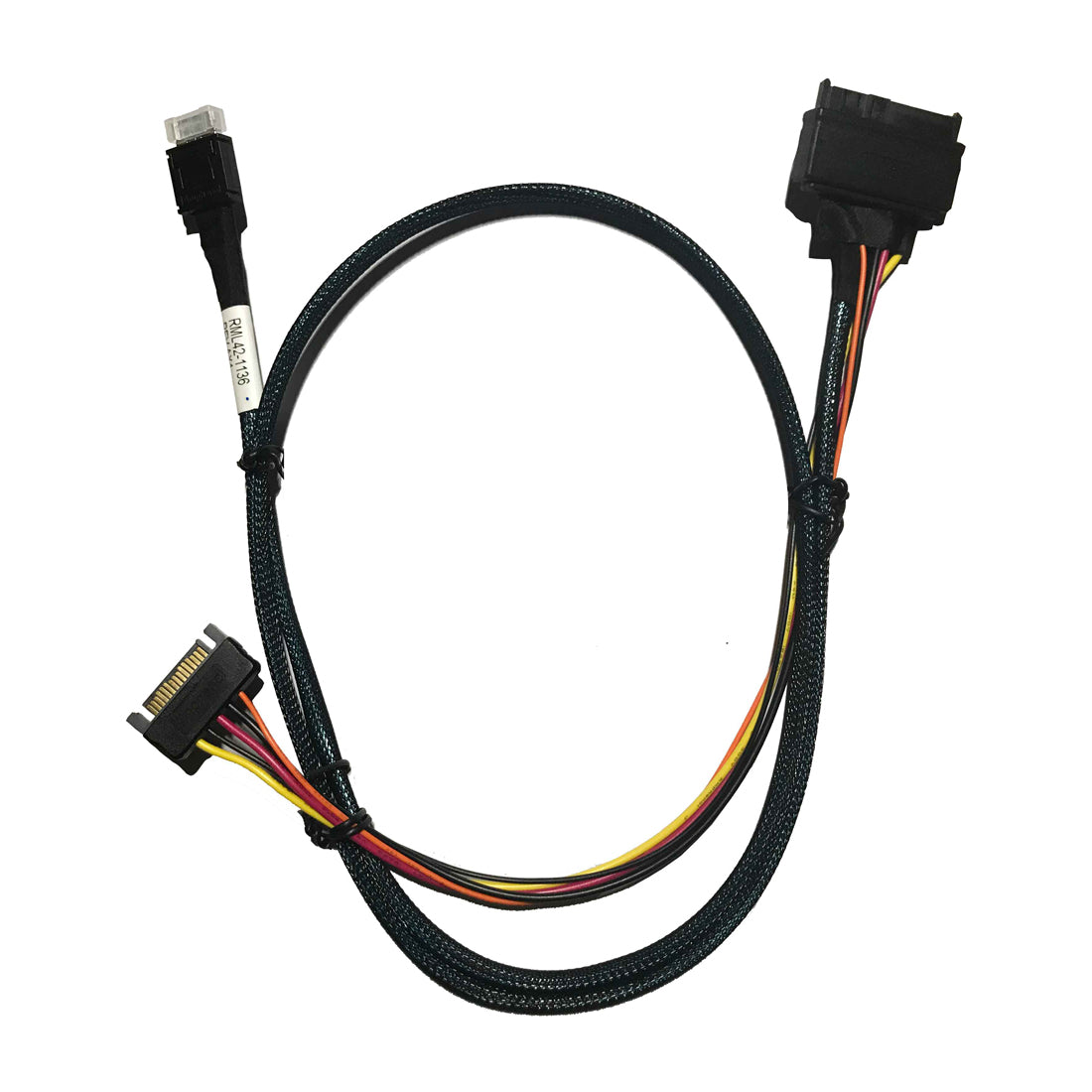
DiLinKer oCuLink 4X to NVMe U.2 SSD, SFF-8611 to SFF-8639 Cable with Power 100cm(CBL-SAST-0956)
DiLinKer oCuLink 4X to NVMe U.2 SSD, SFF-8611 to SFF-8639 Cable with Power 100cm(CBL-SAST-0956)
Couldn't load pickup availability
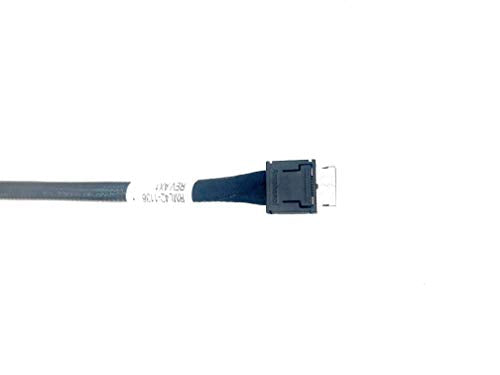
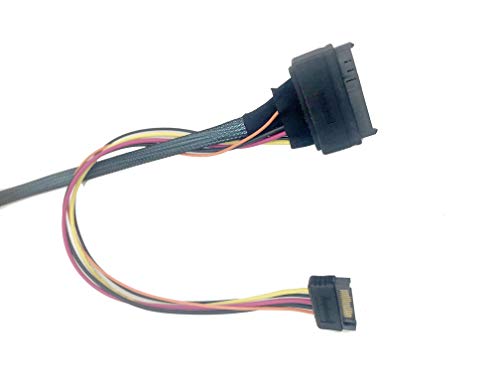
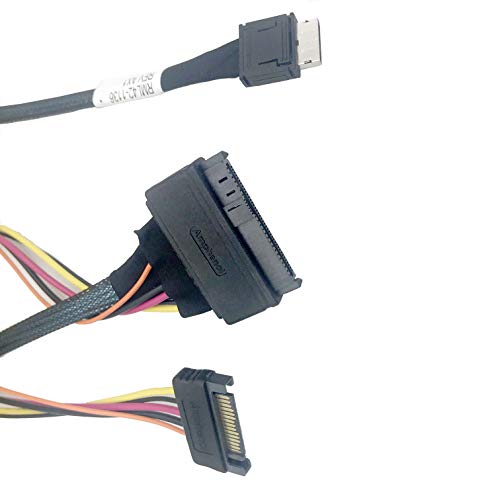
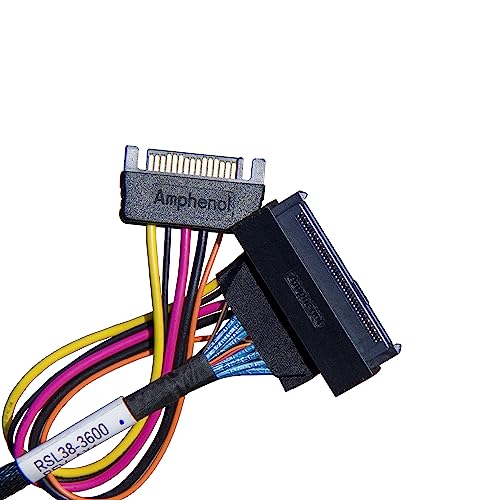
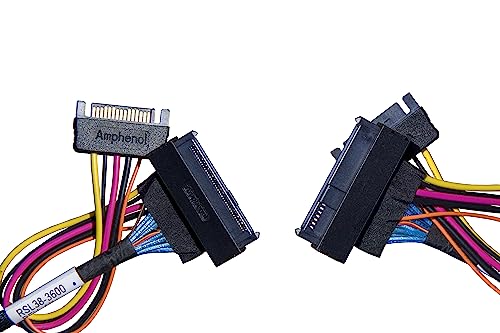
Put a U.2 NVMe drive on an OCuLink port. This DiLinKer assembly (CBL-SAST-0956) connects an OCuLink 4x host connector (SFF-8611, 36-pin) to a U.2 device connector (SFF-8639, 68-pin) and includes a 4-pin power lead, because a U.2 drive needs 12 V as well as the PCIe link. It is the straightforward way to hang enterprise NVMe storage off NAS boards, industrial platforms and M.2-to-OCuLink adapters.
Why this cable
- Drive-side power included. The 4-pin lead feeds 12 V to the U.2 connector, so the drive runs without a backplane.
- Four PCIe lanes, straight through. A U.2 drive is a 4-lane device — this cable gives it all four lanes from the host.
- Built for PCIe 3.0 / 4.0 x4 links. About 3.9 GB/s at Gen3 x4 and 7.9 GB/s at Gen4 x4, per port.
- 100 cm reach. From a controller card or board header to a drive bay without strain.
- Passive assembly. No switch chip — the drive appears directly on the host PCIe bus.
Specifications
| Host connector | OCuLink 4x, SFF-8611, 36-pin plug |
| Device connector | U.2 (SFF-8639), 68-pin |
| Lanes | 4 (x4), straight 1:1 mapping |
| Interface | PCIe x4 (Gen3 / Gen4 deployments) |
| Power | 4-pin lead from the system PSU to the drive connector |
| Protocol | NVMe over PCIe only |
| Length | 100 cm / 39.4 in |
| Part number | CBL-SAST-0956 |
| SKU / EAN | B07NY4S5CS / 6970958108629 |
| Warranty | 24 months |
Compatibility
Works with
- Boards and NAS platforms with OCuLink 4x ports.
- M.2 to OCuLink adapter cards on desktop and workstation boards.
- U.2 NVMe SSDs such as Samsung PM9A3, Micron 7450, Kioxia CM6 and Intel P4510 series.
Does not work with
- SAS or SATA drives. The link carries PCIe only, so the device must be NVMe.
- SlimSAS (SFF-8654) hosts — different connector standard.
- PCIe 5.0 links. Plan on Gen3/Gen4 operation for this assembly.
Typical deployments
- NAS with a U.2 tier. OCuLink ports on a storage board driving enterprise NVMe drives.
- Desktop NVMe expansion. An M.2 to OCuLink adapter plus this cable adds a U.2 drive without a PCIe slot.
- Test benches. Swap U.2 drives between systems without a backplane.
Frequently asked questions
My board has no OCuLink port — can I still use it?
Yes, with an M.2 to OCuLink adapter card in a spare M.2 slot. The adapter presents an OCuLink port; this cable then carries the link and power to the U.2 drive.
Why does the cable need a power lead?
U.2 drives take their 12 V supply through the SFF-8639 connector. Without power the drive will not spin up even though the PCIe link is fine. Connect the 4-pin lead to a PSU output once and you are done.
What speed will I get?
A Gen3 x4 link moves about 3.9 GB/s and Gen4 x4 about 7.9 GB/s — in both cases faster than the drive itself can sustain, so the cable is not the bottleneck.
Can I connect SATA drives?
No. OCuLink carries PCIe only. SATA drives need a SATA controller and standard SATA cables.
In the box
- 1 × OCuLink 4x to U.2 cable with power lead, 100 cm (CBL-SAST-0956)
Backed by a 24-month warranty. If a link trains at reduced width or does not appear, contact us with your controller and device models and we will help you isolate the cause.
Related
Share
