DiliVing
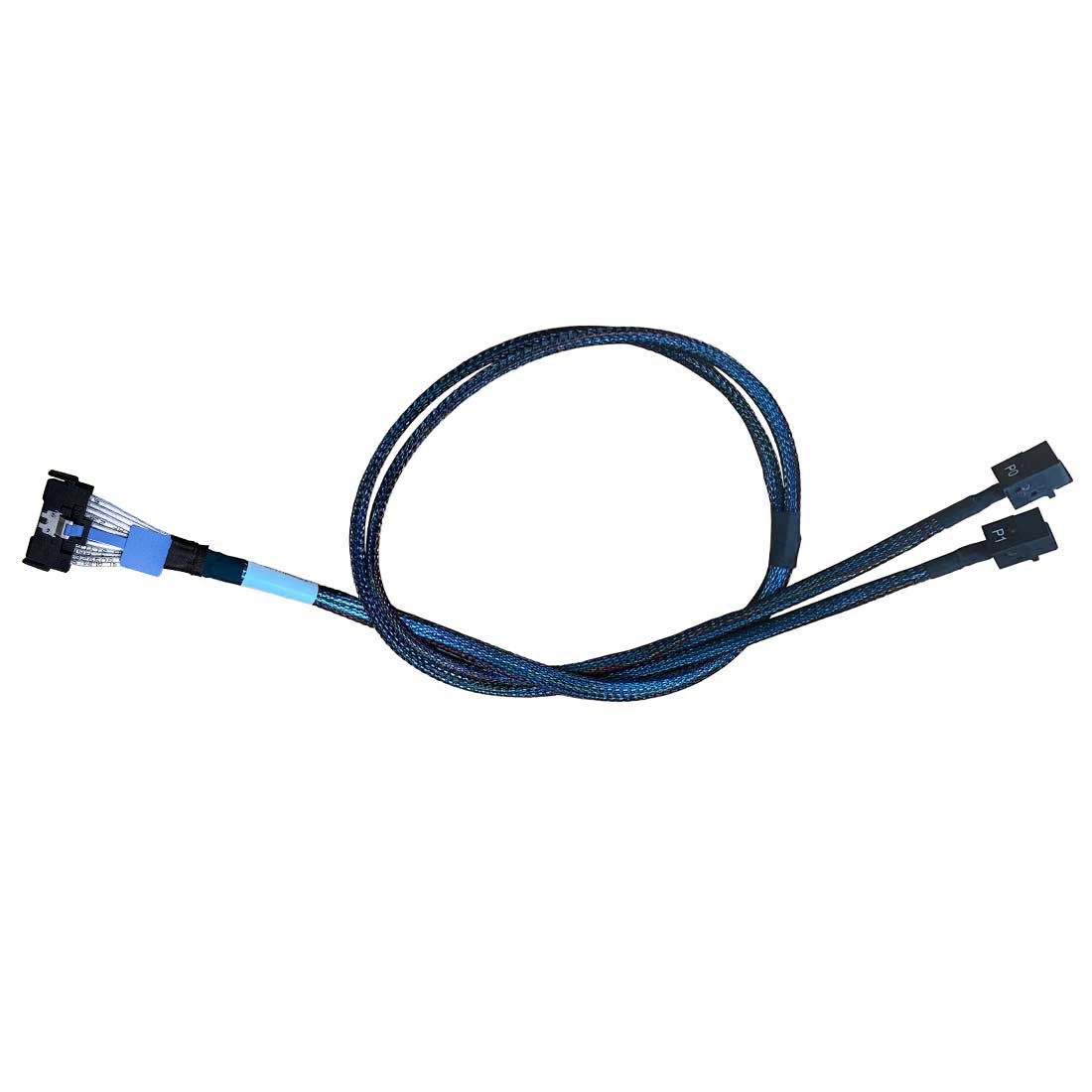
DiLinKer MCIO x8 to 2*MiniSAS-HD x4, SFF-TA-1016 74Pin to 2*SFF-8643 36Pin, PCIe Gen4 Mini Cooledge IO Cable, 80cm
DiLinKer MCIO x8 to 2*MiniSAS-HD x4, SFF-TA-1016 74Pin to 2*SFF-8643 36Pin, PCIe Gen4 Mini Cooledge IO Cable, 80cm
Couldn't load pickup availability
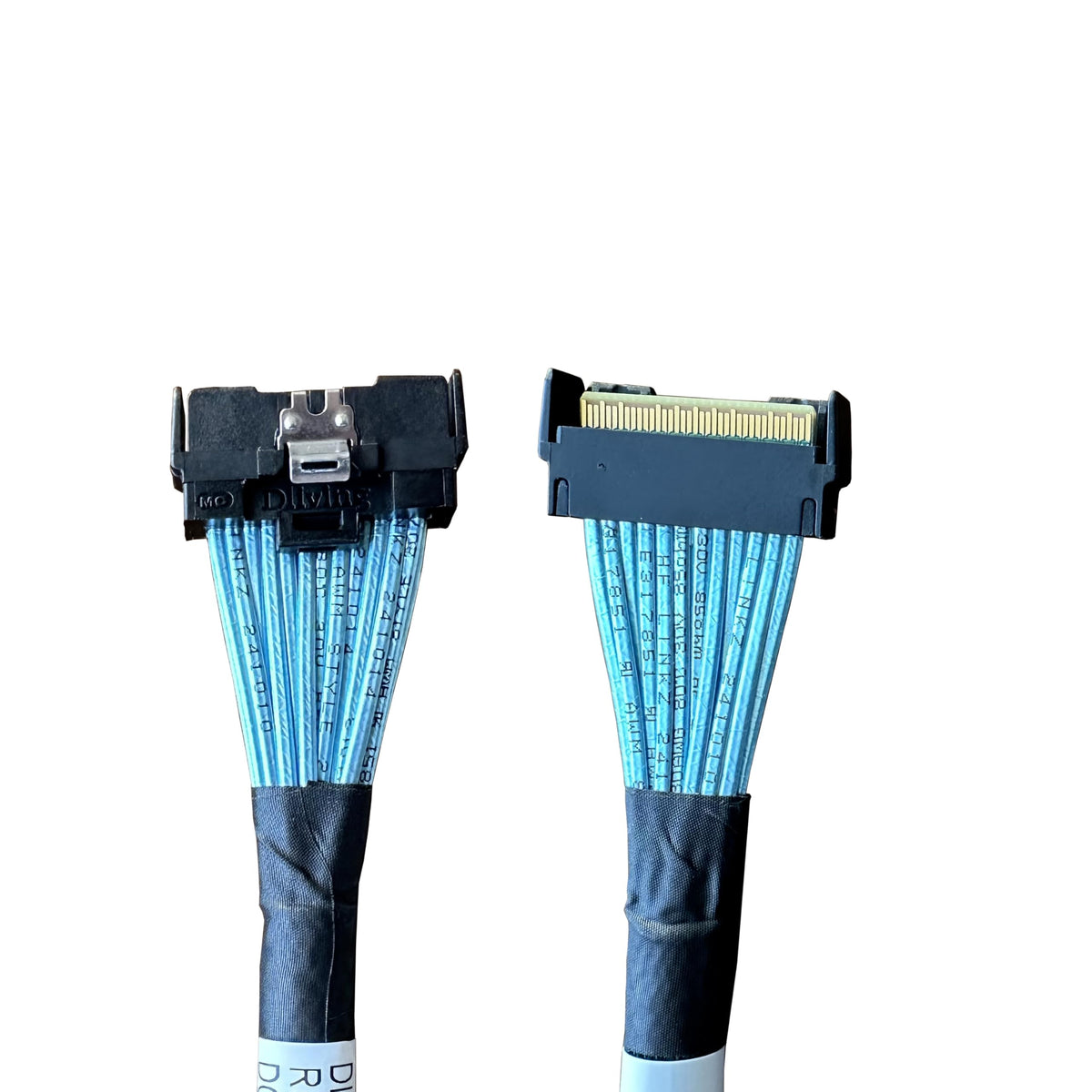
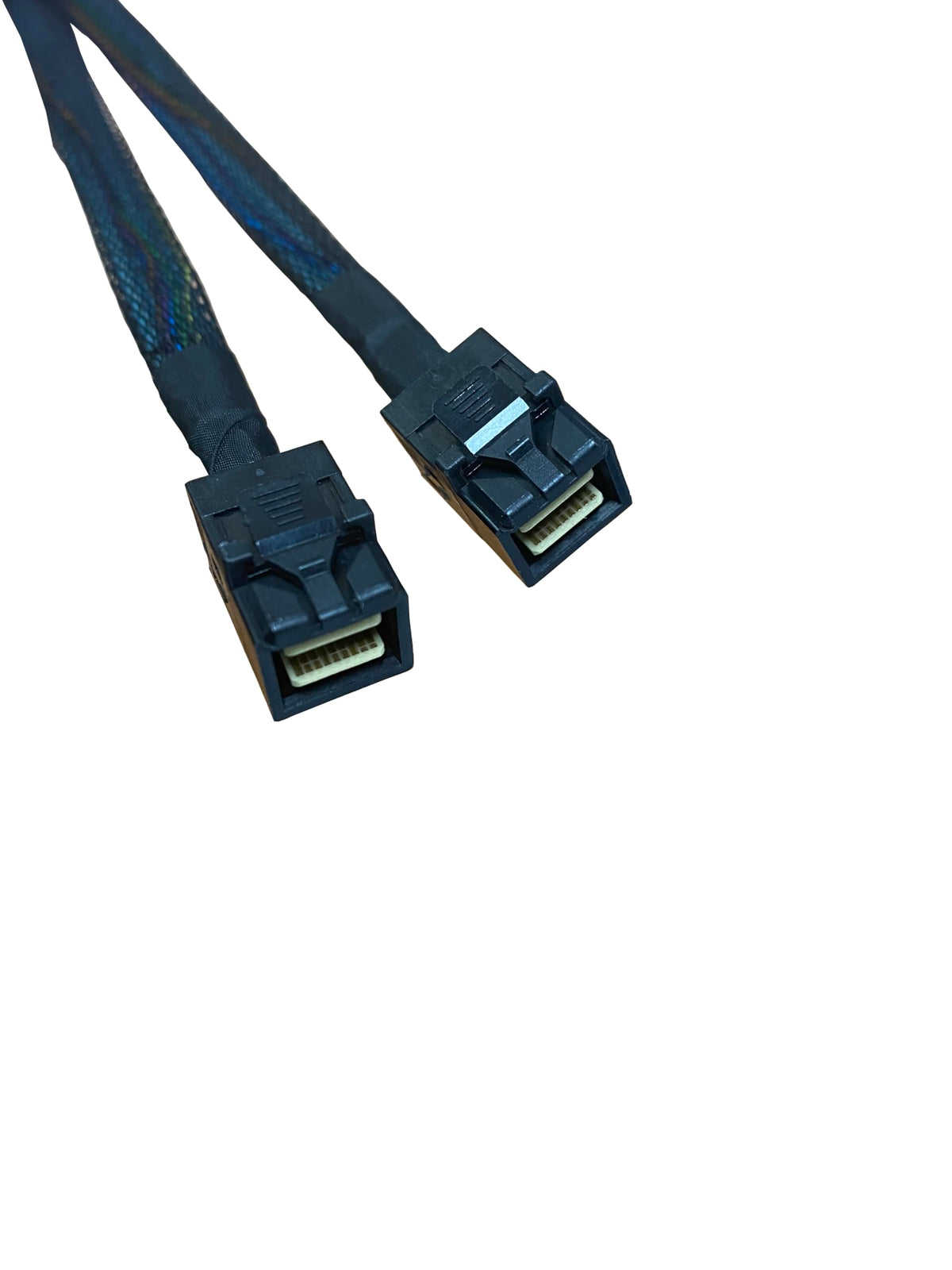
Keep your MiniSAS HD backplane, move to a Gen4 MCIO board. The DiLinKer RMC74-8690-AX1 converts one MCIO 8x host connector (SFF-TA-1016, 74-pin) into two MiniSAS HD x4 ports (SFF-8643, 36-pin), 80 cm long. It is the cable you need when the motherboard is new — a PCIe 4.0 server or workstation platform with MCIO headers — but the chassis, drive cage or U.2 adapter you already own terminates in SFF-8643. Instead of replacing the backplane, you change one cable.
Why this cable
- MCIO host, SFF-8643 device. Splits 8 host lanes into two independent x4 links, each on a standard 36-pin MiniSAS HD plug.
- PCIe 4.0, 16 GT/s per lane. Around 7.88 GB/s per port — the full bandwidth of a Gen4 x4 NVMe drive, with no switch chip in the path.
- Protects existing hardware. Reuse SFF-8643 backplanes, drive cages and U.2 adapters you have already bought and qualified.
- Two links, not one. Both SFF-8643 outputs carry four lanes each, so two devices run at full x4 width simultaneously.
- 80 cm for cable management. Enough length to route behind the riser and reach a rear cage without pulling the connector sideways.
- Passive assembly. No retimer, no power, no configuration in BIOS or the OS.
Specifications
| Host connector | MCIO 8x, SFF-TA-1016, 74-pin |
| Device connectors | 2 × MiniSAS HD, SFF-8643, 36-pin |
| Lane configuration | 8 host lanes → 2 × 4 device lanes |
| PCIe generation | PCIe 4.0 (16 GT/s per lane); backward compatible with 3.0 |
| Bandwidth per port | 64 GT/s (about 7.88 GB/s at Gen4 x4) |
| Length | 80 cm / 31.5 in |
| Protocol | NVMe over PCIe only — the MCIO host port carries no SAS or SATA |
| Part number | RMC74-8690-AX1 |
| Net weight | 60 g |
| Compliance | SFF-TA-1016, SFF-8643, RoHS |
| Warranty | 24 months |
Compatibility
Works with
- Boards with an MCIO 8x (SFF-TA-1016 74-pin) header — standard on most PCIe 4.0 server and workstation platforms from Supermicro, ASUS, ASRock Rack, Gigabyte and Tyan.
- MiniSAS HD x4 NVMe backplanes and drive cages with SFF-8643 inputs.
- U.2 adapters and converters that take an SFF-8643 input and present an SFF-8639 drive connector.
- PCIe 3.0 equipment — the link negotiates down to 8 GT/s automatically.
Does not work with
- PCIe 5.0 links. SFF-8643 is a Gen4-generation interface; use the MCIO to U.2 or MCIO to SlimSAS version if you need 32 GT/s.
- SAS or SATA drives. The SFF-8643 connector can carry SAS in other designs, but your MCIO host port carries PCIe lanes only, so the device must be NVMe.
- SlimSAS (SFF-8654) or U.2 (SFF-8639) device connectors — this cable does not adapt to those directly.
- OEM systems that re-map the MCIO pinout (some Dell, HPE and Lenovo chassis). Ask us with your model number first.
Typical deployments
- Board refresh in an existing 2U chassis. New Gen4 platform, existing SFF-8643 NVMe backplane, no chassis replacement.
- NVMe tier next to SAS storage. Add two NVMe devices to a server that already has a MiniSAS HD cage.
- Workstation scratch volume. Two Gen4 U.2 drives through SFF-8643 adapters, without using a PCIe slot.
- Lab and validation rigs. Swap drives and backplanes between MCIO and SFF-8643 hardware with one cable.
Which MCIO breakout cable do you need?
| Device side | Best for | Generation |
|---|---|---|
| 2 × MiniSAS HD (SFF-8643) | This product — reuse an existing SFF-8643 backplane or U.2 adapter | PCIe 4.0 |
| 2 × U.2 (SFF-8639) | Direct-attach U.2 drives, highest bandwidth (MCIO to 2× U.2) | PCIe 5.0 |
| 1 × SlimSAS 8x (SFF-8654) | SlimSAS backplane, 8 lanes in one connector (SlimSAS cables) | PCIe 5.0 |
Frequently asked questions
Does this cable support PCIe 5.0?
No. SFF-8643 is a 4-lane interface defined around the Gen4 generation, and this assembly is specified to 16 GT/s per lane. If your drives and board are Gen5, use the MCIO to 2× U.2 version, which is rated for 32 GT/s.
Why use SFF-8643 at all instead of going straight to U.2?
Because the hardware you already own decides it. A Gen4 x4 NVMe link delivers the same 7.88 GB/s whether it passes through a U.2 connector or an SFF-8643 connector — the connector is not the bottleneck. If your backplane or drive cage is SFF-8643, this cable is the cheaper answer than replacing the cage.
Do I need to enable PCIe bifurcation?
Only if your board wires the MCIO 8x header as a single x8 root port. Many server boards ship that header already split as 2 × x4, or drive it from a PCIe switch, in which case no setting is needed. Check the board manual for that specific header.
Can I connect SAS drives to the SFF-8643 ends?
No. The connector type alone does not decide the protocol — the host port does, and MCIO carries PCIe lanes only. Put a SAS drive behind this cable and it will not be detected. For SAS, use a SlimSAS to SAS cable with an HBA that speaks SAS.
Both ports at full speed, or do they share bandwidth?
Both are full x4 links. The eight host lanes are physically split 4 + 4, so each port has its own four lanes. There is no bridge chip and no shared uplink.
Will it work with a U.2 adapter that has an SFF-8643 input?
Yes — that is one of the main uses. The adapter converts the 4-lane link to an SFF-8639 drive connector; the cable only has to deliver four clean PCIe lanes to it, which it does at Gen4 rates.
Is 80 cm safe at Gen4 speed?
Yes, Gen4 (16 GT/s) tolerates this length on a well-built passive assembly. Keep the run as direct as possible, avoid sharp folds, and do not coil excess cable tightly against power rails.
In the box
- 1 × MCIO 8x to 2 × MiniSAS HD cable, 80 cm (RMC74-8690-AX1)
Backed by a 24-month warranty. If a link trains at reduced width or does not appear in the OS, send us your board and backplane models — width and pinout issues are usually identifiable from those two facts.
Related
Share