DiliVing
DiLinKer MCIO x8 to 2*U.2 NVMe Adapter, SFF-TA-1016 74Pin to 2*SFF-8639 68Pin, PCIe Gen5 Mini Cooledge IO Cable with Power, 80cm
DiLinKer MCIO x8 to 2*U.2 NVMe Adapter, SFF-TA-1016 74Pin to 2*SFF-8639 68Pin, PCIe Gen5 Mini Cooledge IO Cable with Power, 80cm
Couldn't load pickup availability
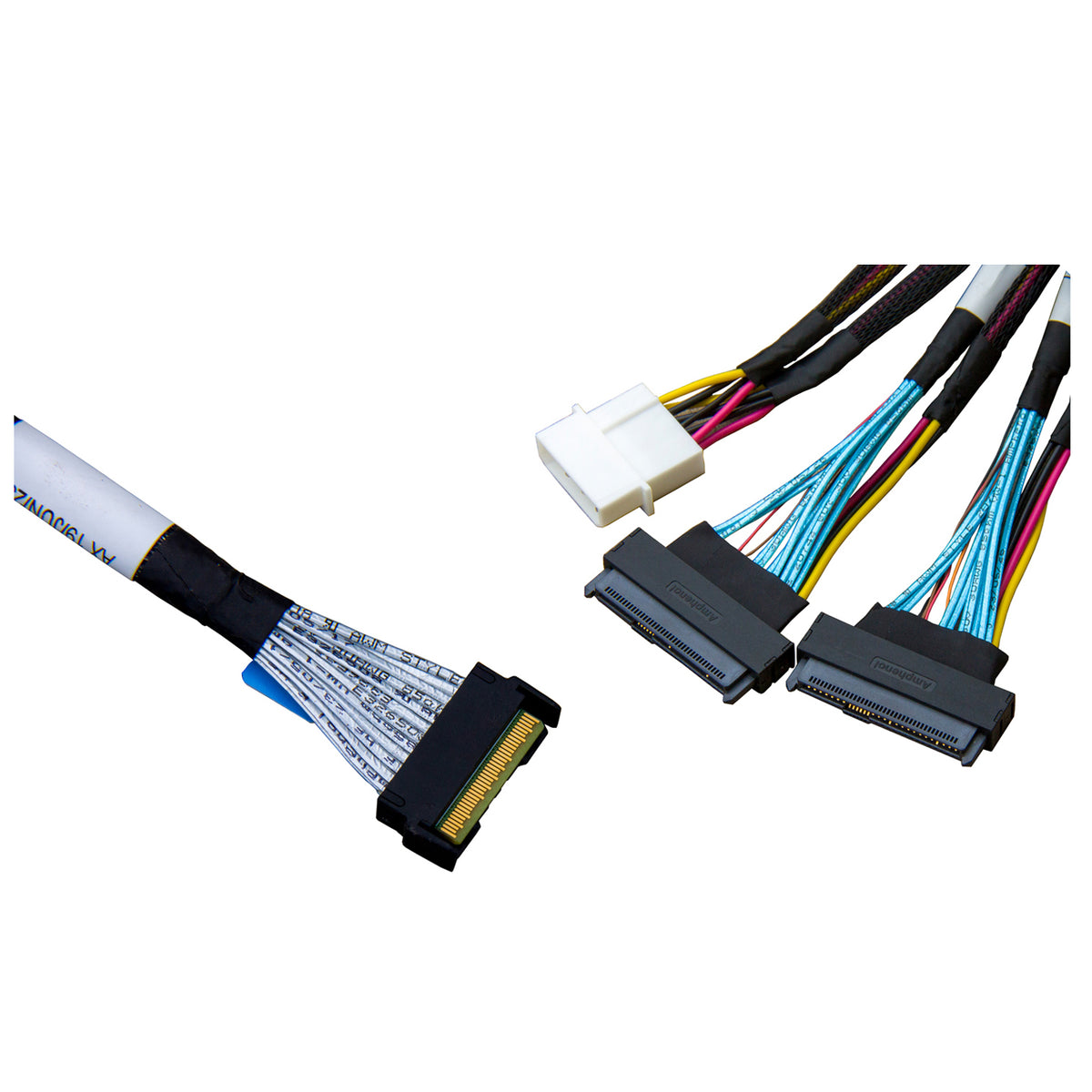
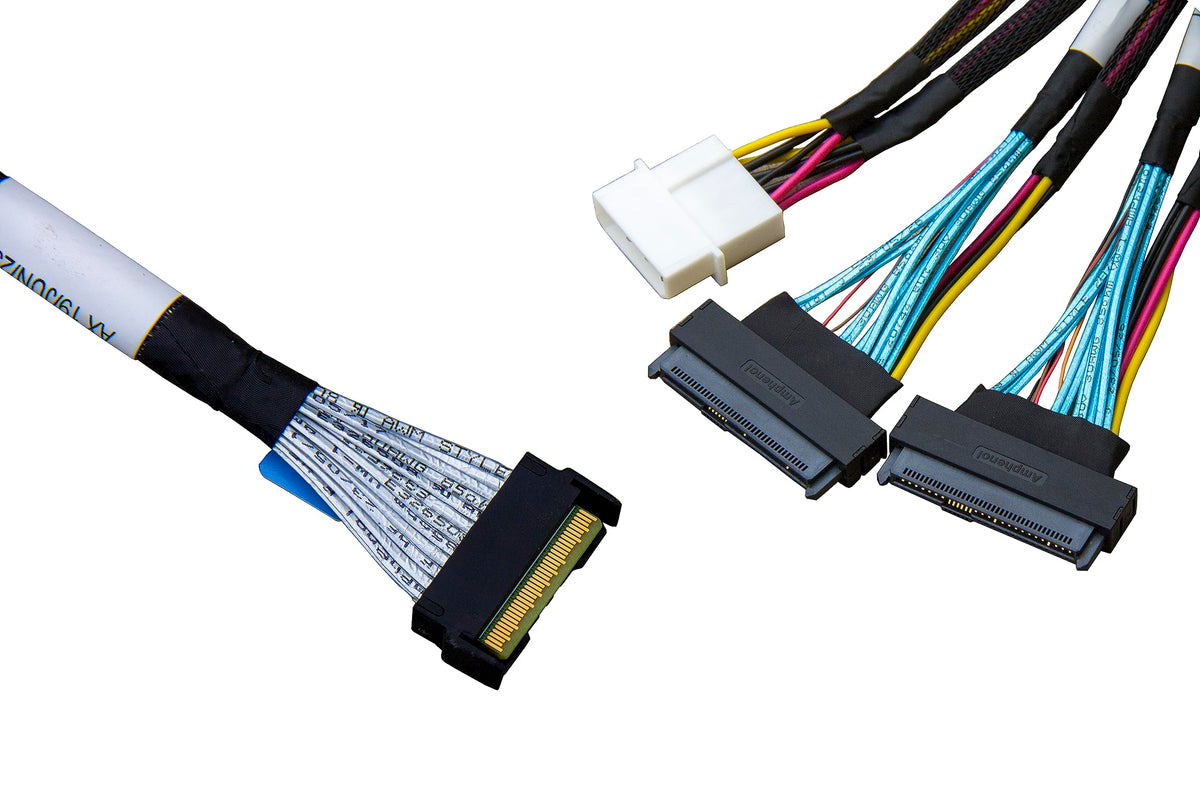
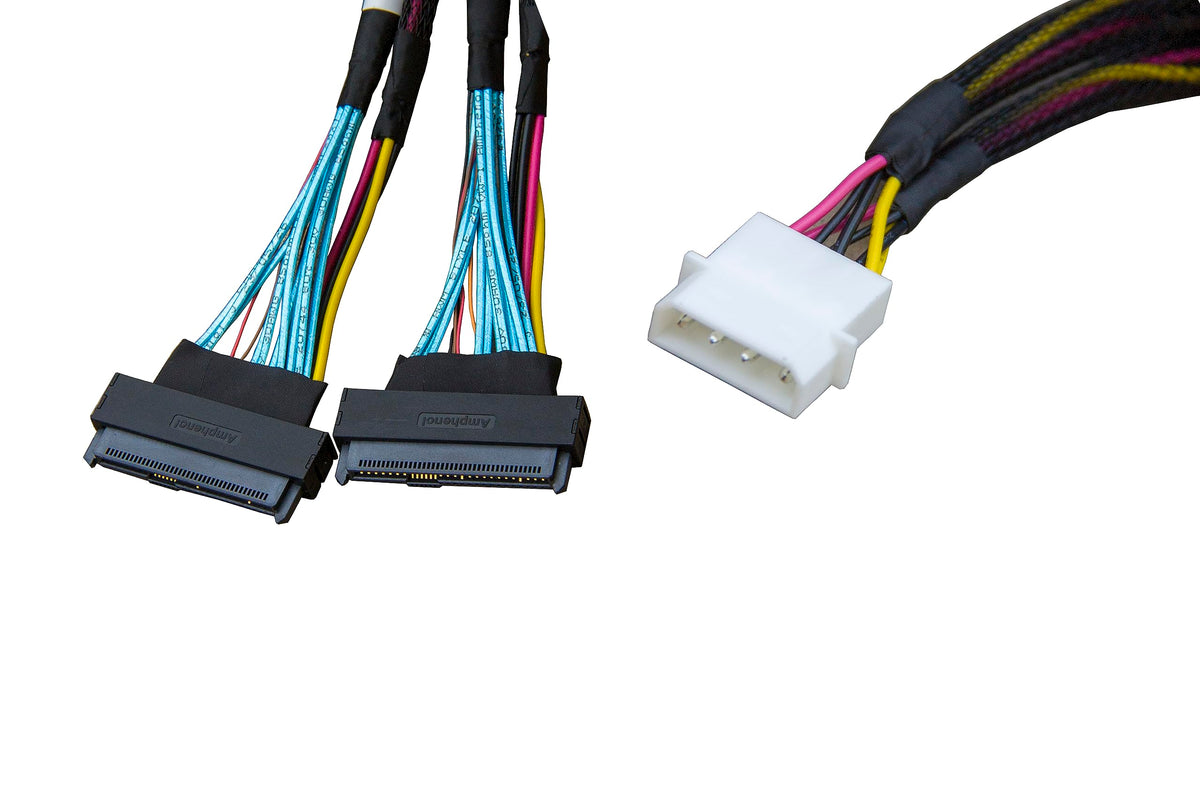
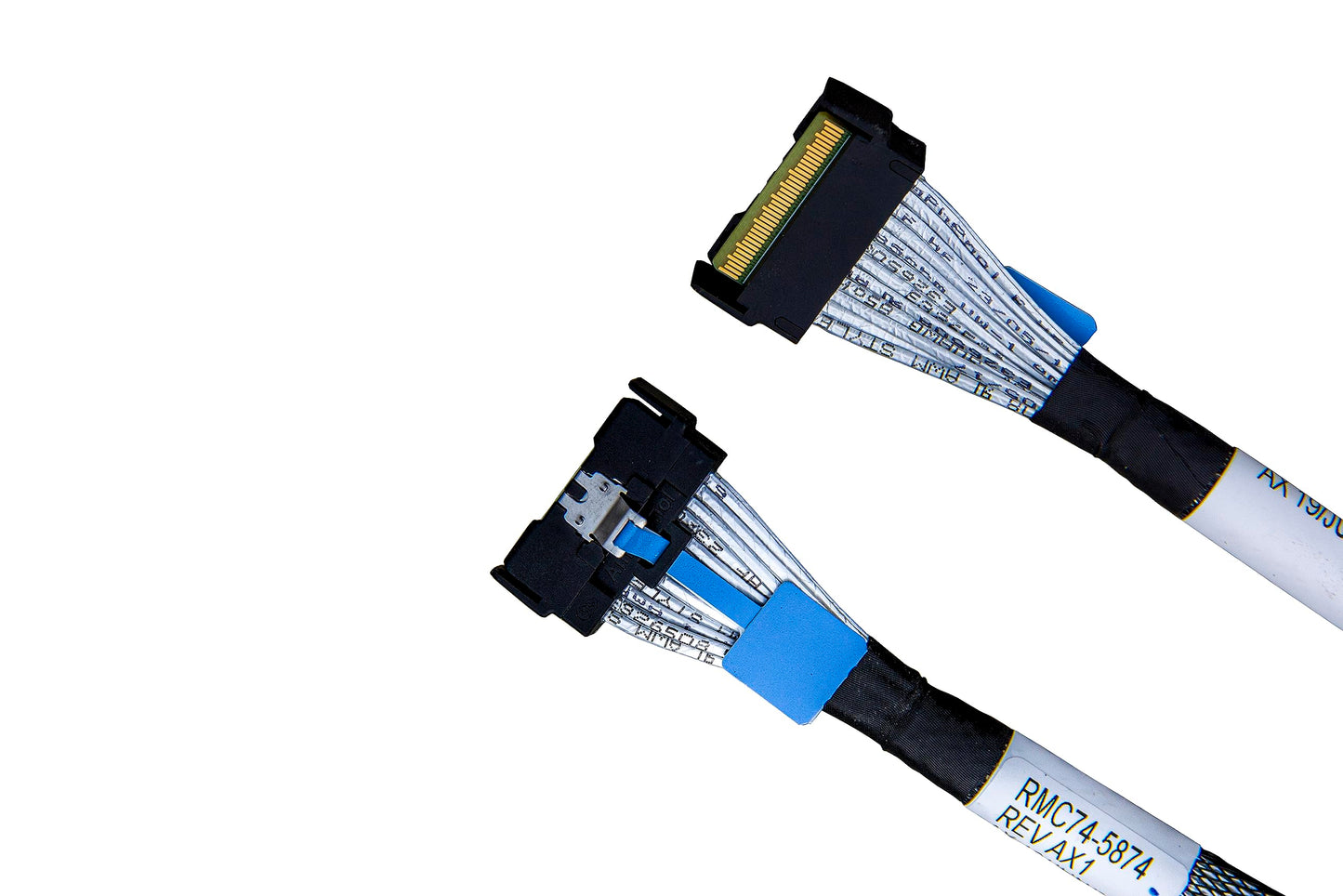
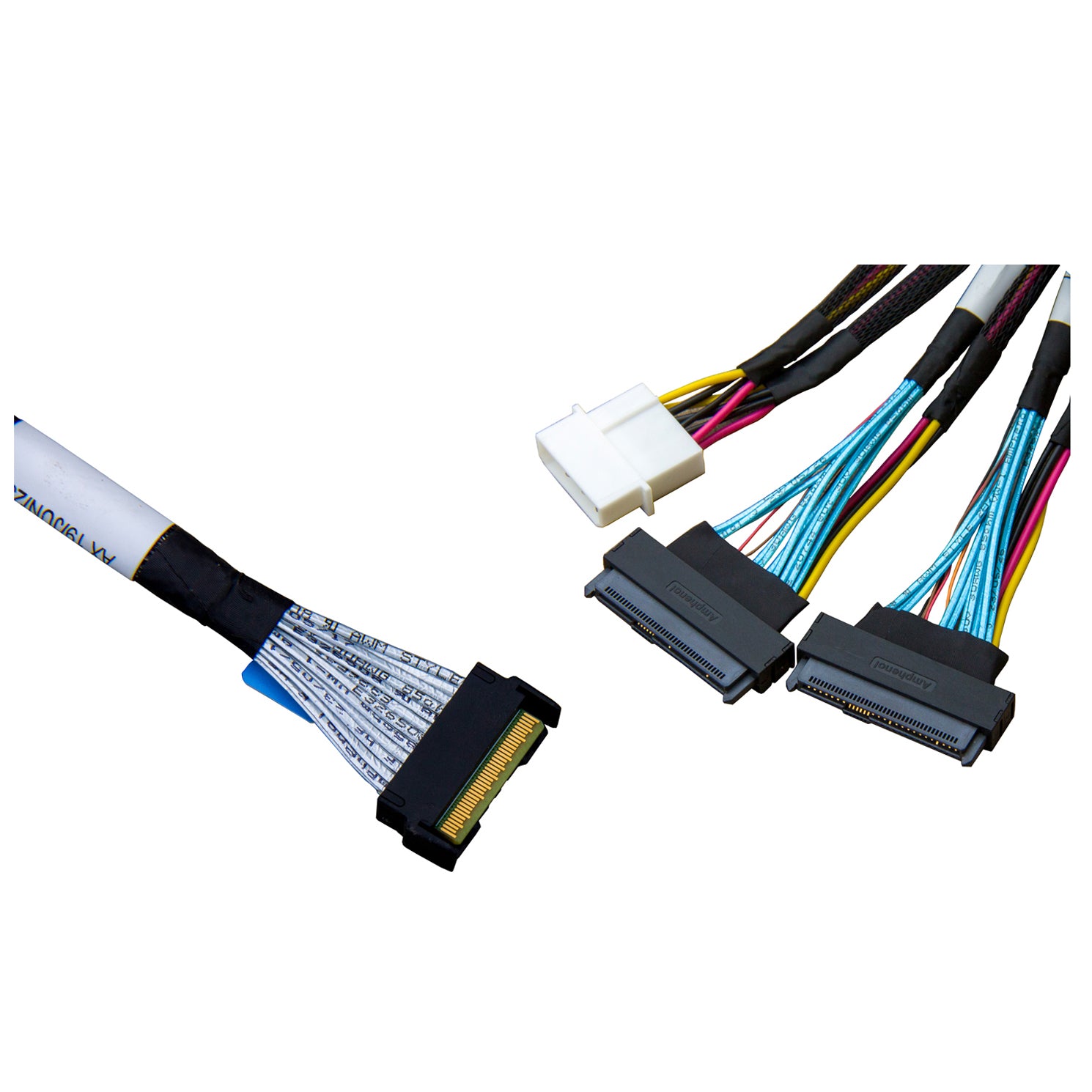
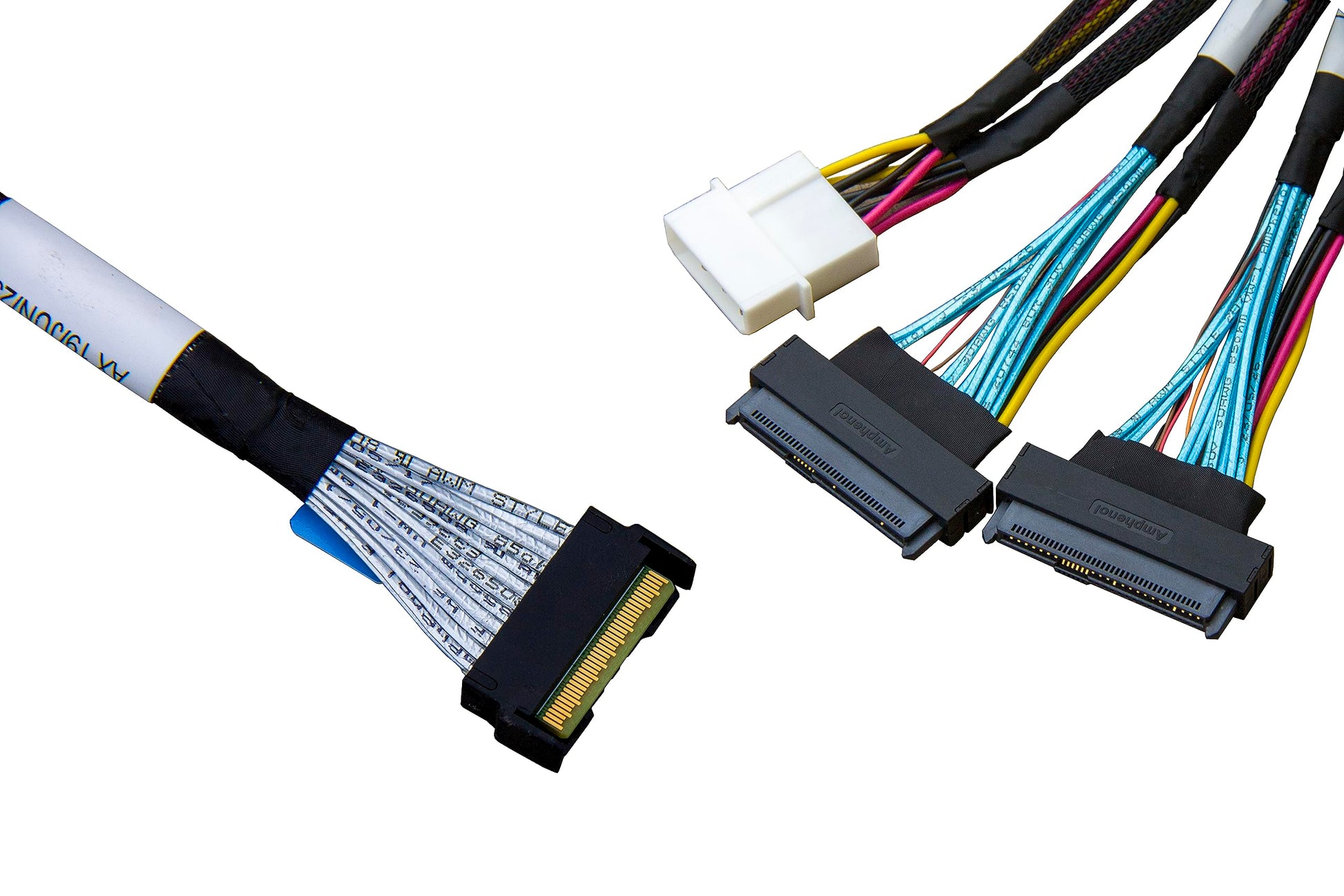
One MCIO port, two U.2 drives. The DiLinKer RMC74-8986-AX1 is an 80 cm internal PCIe 5.0 cable that splits a single MCIO 8x host connector (SFF-TA-1016, 74-pin) into two independent U.2 NVMe device connectors (SFF-8639, 68-pin). The eight host lanes are broken out as two full x4 links, so each drive trains at its own width and generation — a PCIe 5.0 drive reaches its rated throughput on one port while a PCIe 4.0 drive runs at Gen4 on the other, with no PCIe switch card, no riser and no driver to install.
Why this adapter cable
- 8 lanes in, 2 × x4 out. Each U.2 bay gets a dedicated PCIe x4 link instead of sharing bandwidth through a bridge chip.
- PCIe 5.0 rated, 32 GT/s per lane. Up to roughly 15.75 GB/s per port. Fully backward compatible with PCIe 4.0 and PCIe 3.0 hosts and drives, so it also works on older platforms.
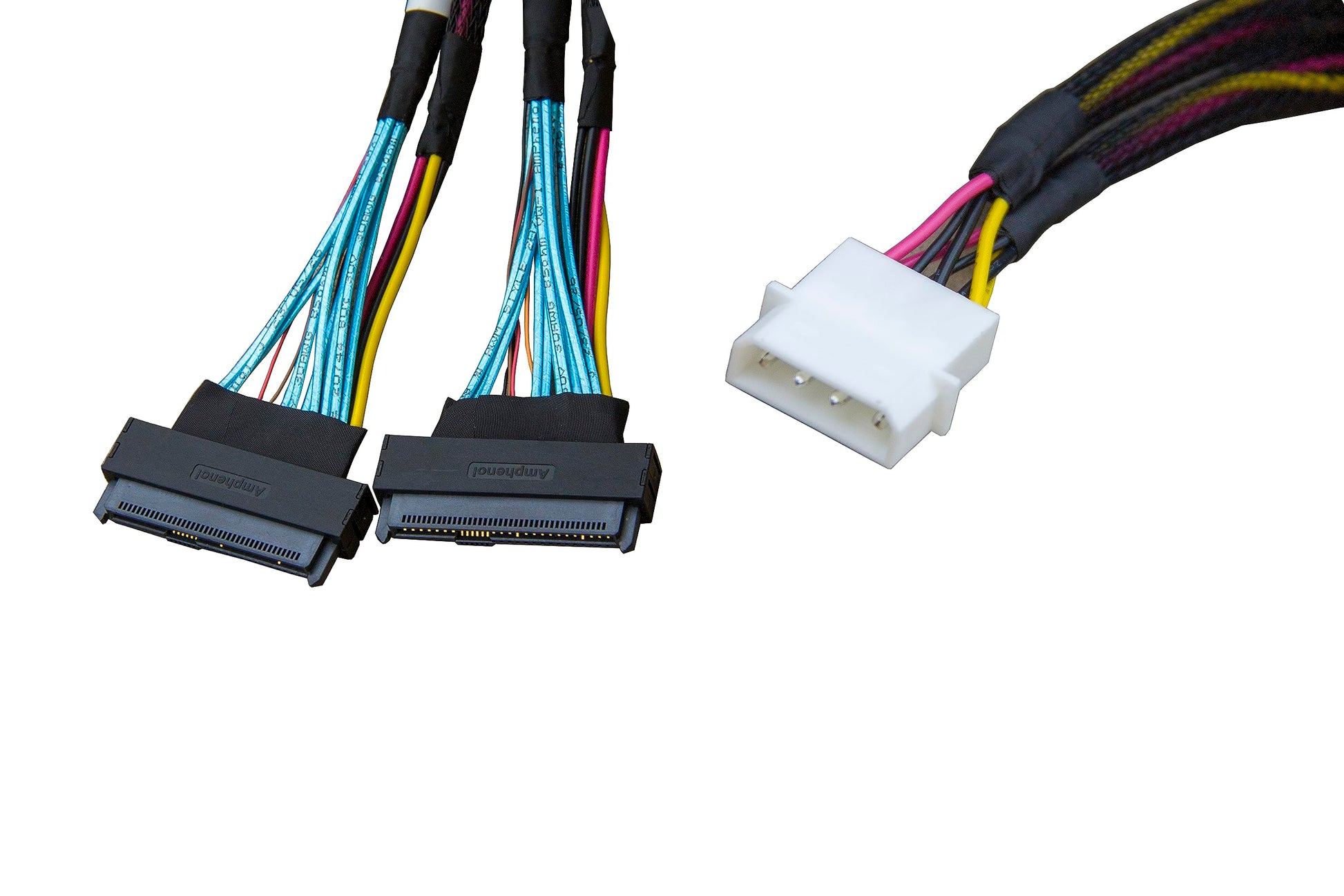
- Power is carried in the assembly. The U.2 side receives 12 V through the integrated power lead, so drives run without a backplane or a separate SATA power run.
- Built to the SFF pinouts. Host side SFF-TA-1016 74-pin, device side SFF-8639 68-pin — the two connector standards the drives and boards are actually specified against.
- 80 cm of reach. Long enough to route from a mid-board MCIO header to a rear drive cage in 1U and 2U chassis without strain on the connector.
- Passive and firmware-free. No retimer, no power-sequencing logic, no BIOS or OS setting specific to the cable itself.
Specifications
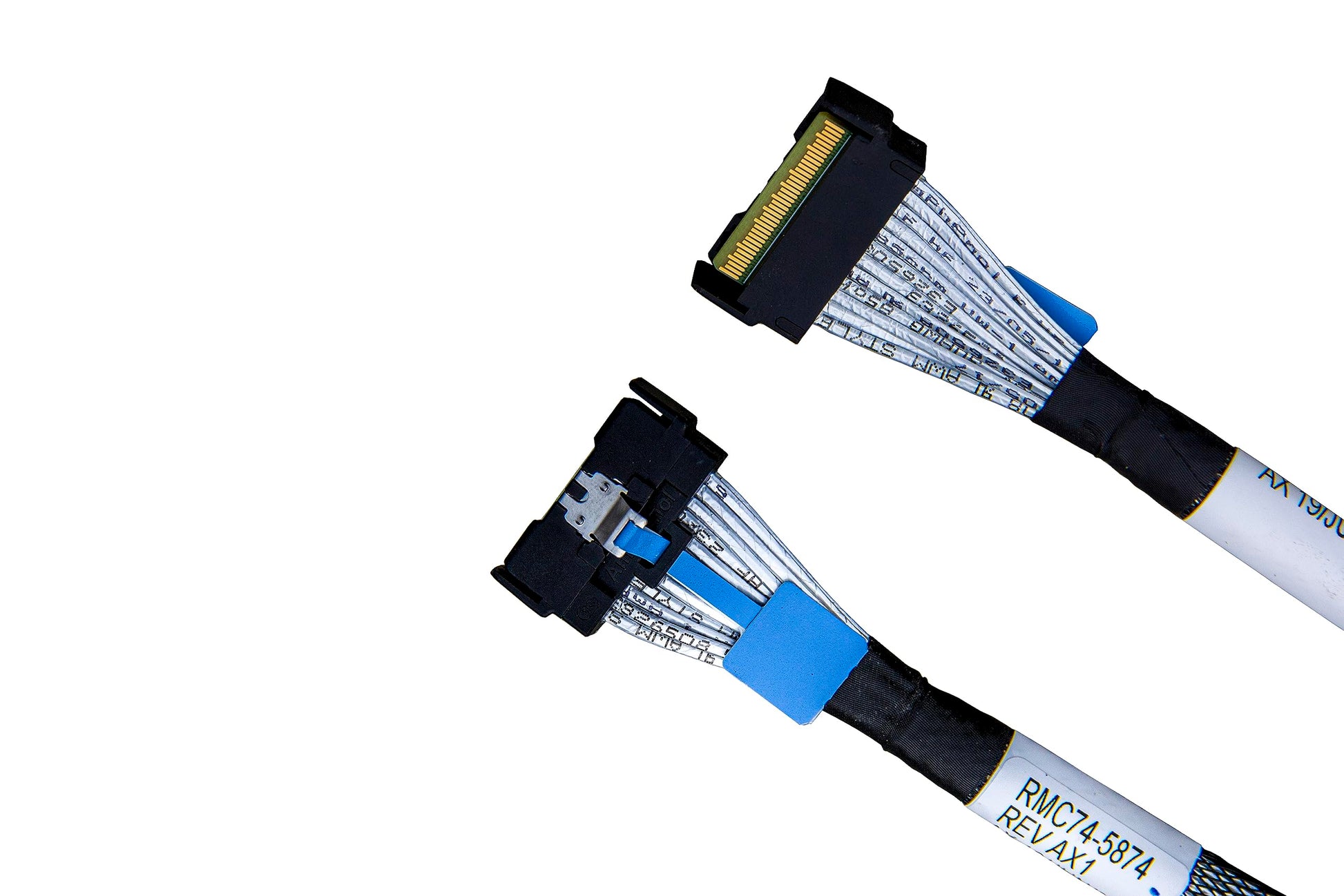
| Host connector | MCIO 8x, SFF-TA-1016, 74-pin |
| Device connectors | 2 × U.2 (SFF-8639), 68-pin |
| Lane configuration | 8 host lanes → 2 × 4 device lanes |
| PCIe generation | PCIe 5.0 (32 GT/s per lane); backward compatible with 4.0 / 3.0 |
| Bandwidth per port | Up to 128 GT/s (about 15.75 GB/s at Gen5 x4) |
| Length | 80 cm / 31.5 in |
| Power | Integrated power lead from the system PSU |
| Protocol | NVMe over PCIe only — does not carry SAS or SATA |
| Part number | RMC74-8986-AX1 |
| SKU / EAN | B0CCV4PXV8 / 6970958109732 |
| Net weight | 104 g |
| Operating temperature | 0 – 70 °C |
| Compliance | SFF-TA-1016, SFF-8639, RoHS |
| Warranty | 24 months |
Compatibility
Works with
- Server and workstation boards that expose an MCIO 8x (SFF-TA-1016 74-pin) port — common on PCIe 5.0 platforms from Supermicro, ASUS, ASRock Rack, Gigabyte, Tyan, and on AMD EPYC and Intel Xeon Scalable reference designs.
- U.2 NVMe SSDs such as Samsung PM9A3 / PM1733 / PM1743, Micron 7450 / 9300, Kioxia CM6 / CD6, Solidigm D7-P5510 / D5-P5316 and Intel P4510 / P5520 series.
- U.2 drive cages and hot-swap bays that terminate in SFF-8639.
Does not work with
- SlimSAS (SFF-8654) or MiniSAS HD (SFF-8643) hosts — those need a different cable in this range, not an adapter on this one.
- SAS or SATA drives. The MCIO host port carries PCIe lanes only.
- OEM systems that re-purpose the MCIO connector with a proprietary pinout (some Dell, HPE and Lenovo chassis). Check the board manual, or message us with your model before ordering.
Typical deployments
- Boot and log tier. Two U.2 drives in mirror from a single MCIO port, leaving the other ports free for data drives.
- AI and HPC nodes. Gen5 U.2 for dataset staging where the drive, not the cable, is the bottleneck.
- 1U / 2U chassis with rear cages. The 80 cm run reaches the back of the case without a mid-board backplane.
- Workstations building a ZFS or Storage Spaces pool. Two NVMe devices without spending a PCIe slot on a quad M.2 or U.2 card.
Which MCIO breakout cable do you need?
| Host port | Device side | Use when |
|---|---|---|
| MCIO 8x | 2 × U.2 (SFF-8639) | This product — direct-attach NVMe drives or a U.2 cage |
| MCIO 8x | 2 × MiniSAS HD (SFF-8643) | You already own an SFF-8643 backplane or U.2 adapter (Gen4 version) |
| MCIO 8x | 1 × SlimSAS 8x (SFF-8654) | Board-to-board link to a SlimSAS backplane (SlimSAS cables) |
| SlimSAS 8x | 2 × U.2 (SFF-8639) | Your board has SlimSAS headers rather than MCIO (U.2 cables) |
Frequently asked questions
Does this cable work on a PCIe 4.0 motherboard?
Yes. The cable is passive, so the link speed is negotiated between the host and the drive. A Gen4 board with Gen4 drives trains at 16 GT/s; a Gen5 drive on a Gen4 board simply runs at Gen4. Nothing needs to be configured.
Do I have to enable PCIe bifurcation?
It depends on how your board wires the MCIO port. Many server boards ship the MCIO 8x header already configured as 2 × x4, or drive it from a PCIe switch, in which case there is nothing to change. If your board exposes that header as a single x8 root port, enable x4x4 bifurcation for that port in the BIOS. The board manual will state which case applies.
Do the U.2 drives need their own power cable?
No separate SATA or Molex run to each drive — power is delivered through the integrated lead in this assembly. You connect that lead to the system PSU once, and both U.2 connectors are powered from it.
What is the difference between MCIO and SlimSAS?
Both are compact internal PCIe connectors with 8-lane (74-pin) variants, but they are different standards with different housings and latches, and they are not interchangeable. MCIO is SFF-TA-1016 and is the connector most PCIe 5.0 server boards use for NVMe breakout. SlimSAS is SFF-8654 and is also used for SAS 4.0. If you are unsure which one is on your board, send us a photo of the header and we will confirm.
Can I connect SAS or SATA drives to this cable?
No. The MCIO 8x port carries PCIe lanes only, so the device side must be a U.2 NVMe drive or a U.2 NVMe backplane. For SAS drives, use a SlimSAS to SAS fan-out cable instead.
Will it work in a Dell, HPE or Lenovo server?
Often not, unless the system uses the standard SFF-TA-1016 pinout. Several OEMs re-purpose the same physical connector with a proprietary lane order, and a standard cable will either not link or will link at reduced width. Tell us the exact model before ordering and we will check it against our pinout notes.
Is 80 cm too long for PCIe 5.0?
At 32 GT/s every centimetre adds insertion loss, so keep the run as short as your chassis allows and avoid tight bends or sharp folds. 80 cm is intended for in-chassis routing to a rear cage. If a link trains below Gen5, cable length and routing are the first things to check.
In the box
- 1 × MCIO 8x to 2 × U.2 NVMe adapter cable, 80 cm (RMC74-8986-AX1)
- Integrated power lead
Backed by a 24-month warranty. If a cable arrives damaged or fails to link, contact us with your board model and we will replace it or help you trace the fault.
Related
Share